

The holiday season is a busy time, not just for retail but also for the app market! People have new devices, more free time, and gift cards to spend. They are also more likely to search for apps they have been meaning to try for a while.
This automatically leads to more searches and downloads, but also to more competition for the same keywords. Waiting until Black Friday is therefore too late. You need the weeks leading up to it to analyze, test, and make adjustments.
Use this step-by-step plan to get your Apple Ads, formerly Apple Search Ads ready in time.
Step 1: Review last year's results
Start with what you already know. Pull your campaign data from October through January and look at:
- The moment when the CPT (cost per tap) started to rise and when it peaked.
- Keywords that converted well and keywords that primarily generated taps.
- The conversion rate from tap to install, and from install to the action that matters, such as a registration, purchase, or subscription.
- The best-performing days, for example, Black Friday, Cyber Monday, or the period between Christmas and New Year's.
This will provide a useful foundation for your planning. Is this your first holiday season? Then use the results from the past 60 to 90 days. Keep in mind, however, that performance and costs can fluctuate more significantly during this period.
Step 2: Set clear goals and a realistic budget
"More downloads" is not a sharp goal. Determine in advance what constitutes a successful campaign. This could be a target CPA, a desired return on ad spend , or a specific number of new subscribers.
Competition usually increases in the fourth quarter. Therefore, account for higher costs per tap and set aside extra budget for the most important days.
Also agree in advance on:
- How much extra budget you want to allocate.
- When to scale up.
- When to lower bids or pause campaigns.
- What to do if results are above or below your target.
This way, you don't have to make decisions based on isolated daily results in the middle of your busiest week.
Step 3: check your campaign structure
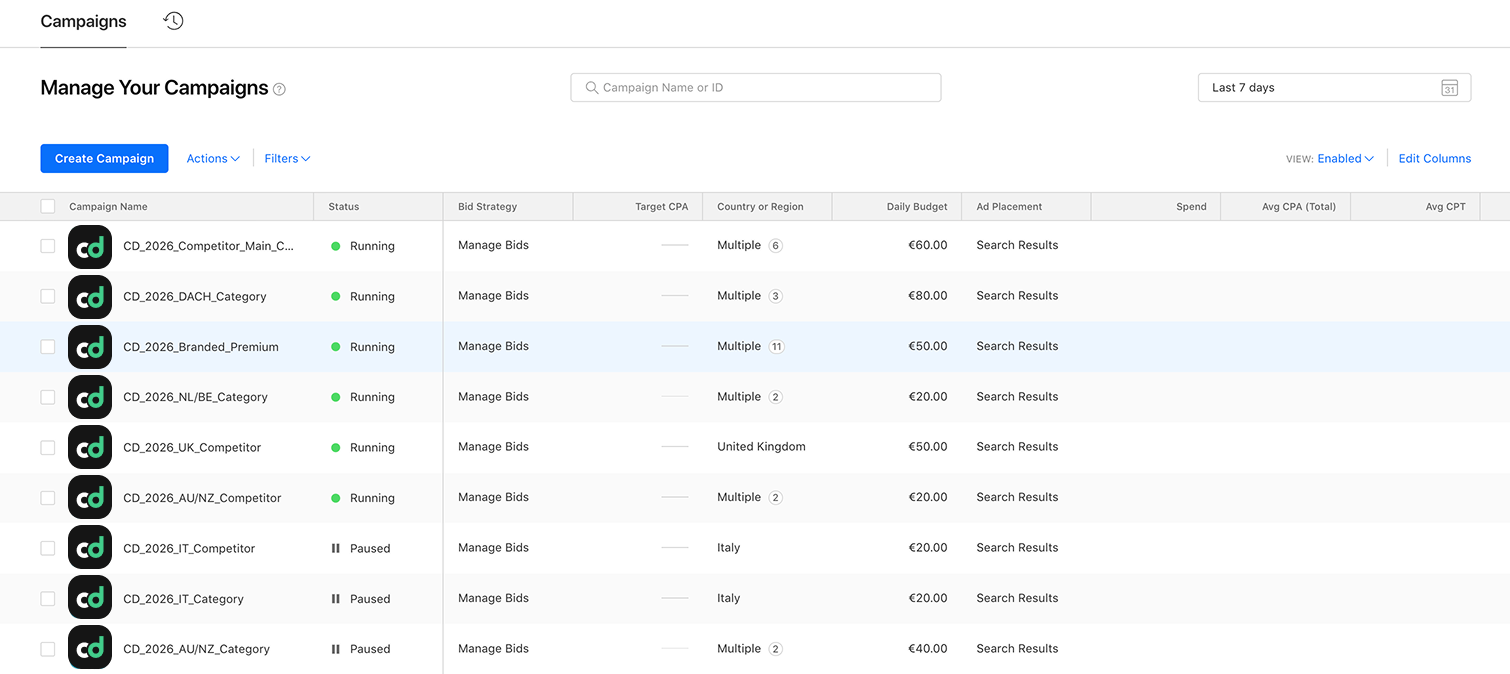
A clear structure helps you identify where results are coming from more quickly. The following setup works well for many apps:
- Brand campaign: focused on searches for your own app or brand name.
- Generic campaign: for relevant keywords within your category with clear search intent.
- Competitor campaign: for people searching for similar apps.
- Discovery campaign: using Search Match and broad keywords to find new terms.
By separating these campaigns, you can set bids and budgets for each component. You will also have better visibility into which search intent drives valuable users during the holidays.
Step 4: update your keywords and exclusions
People search differently during the holidays than at other times of the year. If they are a good fit for your app, add seasonal terms and gift-related keywords.
You can move high-performing terms from your discovery campaign to exact match. This gives you more control over bids and budget.
Don't forget about negative keywords, either. With a larger budget, irrelevant taps can quickly become expensive. Exclude terms that don't fit your app before they consume a significant portion of your budget.
Step 5: align your ads and product pages
An ad cannot make up for what is missing on the product page. From Apple Ads , users land on your standard product page or a Custom Product Page. That is where the story needs to be consistent.
Keep the following points in mind:
- Create Custom Product Pages for things like holiday offers, gift ideas, or New Year's resolutions.
- Ensure every page aligns with the keyword group driving the traffic.
- Update screenshots and preview videos, and test different variations.
- Keep your ASO and paid campaigns aligned. Organic and paid discoverability reinforce each other.
- Ensure that a temporary promotion or in-app event is immediately visible.
This is an important checkpoint, especially for brand guardians: do the message, visuals, and app experience still align? Don't just let screenshots and videos follow the season; make sure they primarily showcase the product well.
Step 6: account for additional positions in search results
Apple has added more ad placements to the search results. Ads can appear at the top, but also further down the page. Existing search campaigns are automatically eligible for these positions.
You cannot choose a specific position or bid on them separately. This has a few consequences:
- Results come from a broader mix of positions. Therefore, look closely at the tap-through rate and conversion when comparing different periods.
- Someone who taps immediately at the top may exhibit different behavior than someone who scrolls through the results first.
- Do not compare new results with older campaign data without context.
- A relevant product page becomes more important as your ad can appear in more places.
According to Apple, nearly 65% of downloads occur immediately after a search. This is precisely why search campaigns deserve extra attention in the fourth quarter.
Step 7: plan your bids and budget limits
Running out of your daily budget by noon on Black Friday can cost you a lot of revenue. Don't wait until the peak day itself to adjust your settings.
- Increase daily budgets before the most important days.
- Set CPA targets or maximum CPT bids to protect your margins.
- First, increase bids on keywords that you know convert well.
- Determine in advance when to scale up, lower, or pause a keyword.
Increasing your budget only makes sense if you know which keywords bring in customers who stick around. A high number of installs without registrations, purchases, or subscriptions is just an expensive vanity metric.
Step 8: verify that your tracking is working
Before you spend more, you need to be sure you can measure the results. Test your attribution and check that key in-app events are being recorded correctly, such as:
- Registrations.
- Purchases.
- Trial subscriptions.
- Paid subscriptions.
Look beyond just installs and consider long-term customer value as well. People who download during a promotion may behave differently than your core target audience. You want to know which keywords bring in users who not only install, but also stay and pay.
Step 9: create a campaign calendar
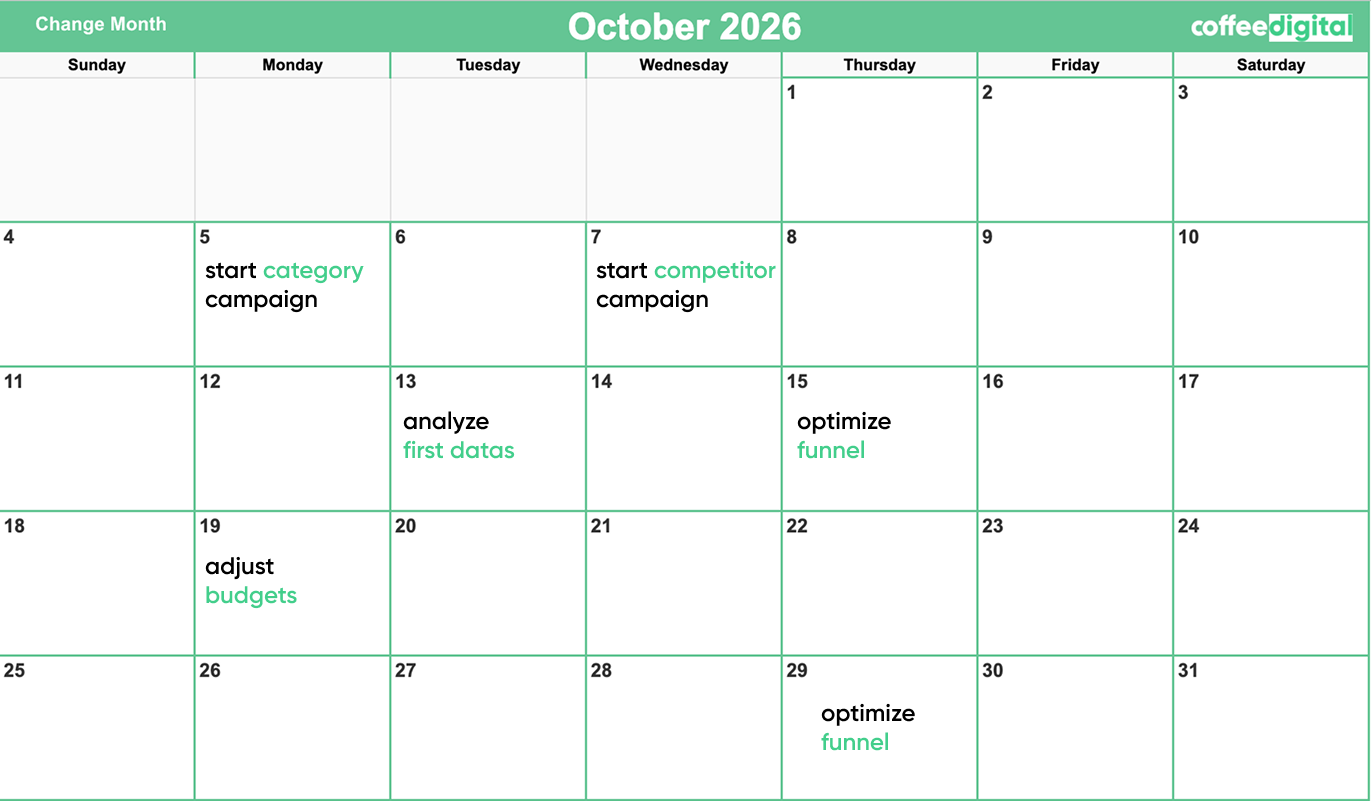
Put the most important moments in a calendar and note which adjustments are needed for each date. For 2026, these are the key days:
- November 11: Singles’ Day.
- November 27: Black Friday.
- November 30: Cyber Monday.
- December 5th: Sinterklaas, particularly relevant for the Dutch market.
- December 25th and the days following: Christmas and the period when many people download apps onto their new devices.
- Early January: New Year's resolutions, often a key time for fitness, finance, and educational apps.
Determine how your budget, bids, keywords, and product pages should change for each moment. This ensures your campaign and your App Store presentation form a cohesive whole.
Step 10: Monitor daily and keep adjusting
Check your campaigns every day during peak periods. On the most important days, you may need to check them multiple times.
Pay close attention to:
- CPT.
- Conversion rate.
- Spend relative to the daily budget.
- Post-install results.
- Differences between keywords and campaigns.
Pause elements that are consuming budget without delivering valuable customers. Scale up where both conversion and customer value are strong.
Afterward, take the time to record the results. Note not only what worked, but also when costs began to rise, which product pages performed best, and which target audiences remained. You will benefit from these insights again next year.
Starting on time gives you room to make better choices
Good results during the holidays start with preparation. You need reliable data, a clear campaign structure, product pages that match search intent, and a plan for the most important days.
The sooner you start, the more time you have to test before competition and costs peak. This way, you don't just scale the number of downloads, but more importantly, the influx of users who remain valuable.
Coffee Digital is certified for Apple Ads. We can review your campaigns, develop a seasonal strategy, and make targeted adjustments based on the results that matter for your app. Ready to get more out of Apple Ads? Get in touch with us.